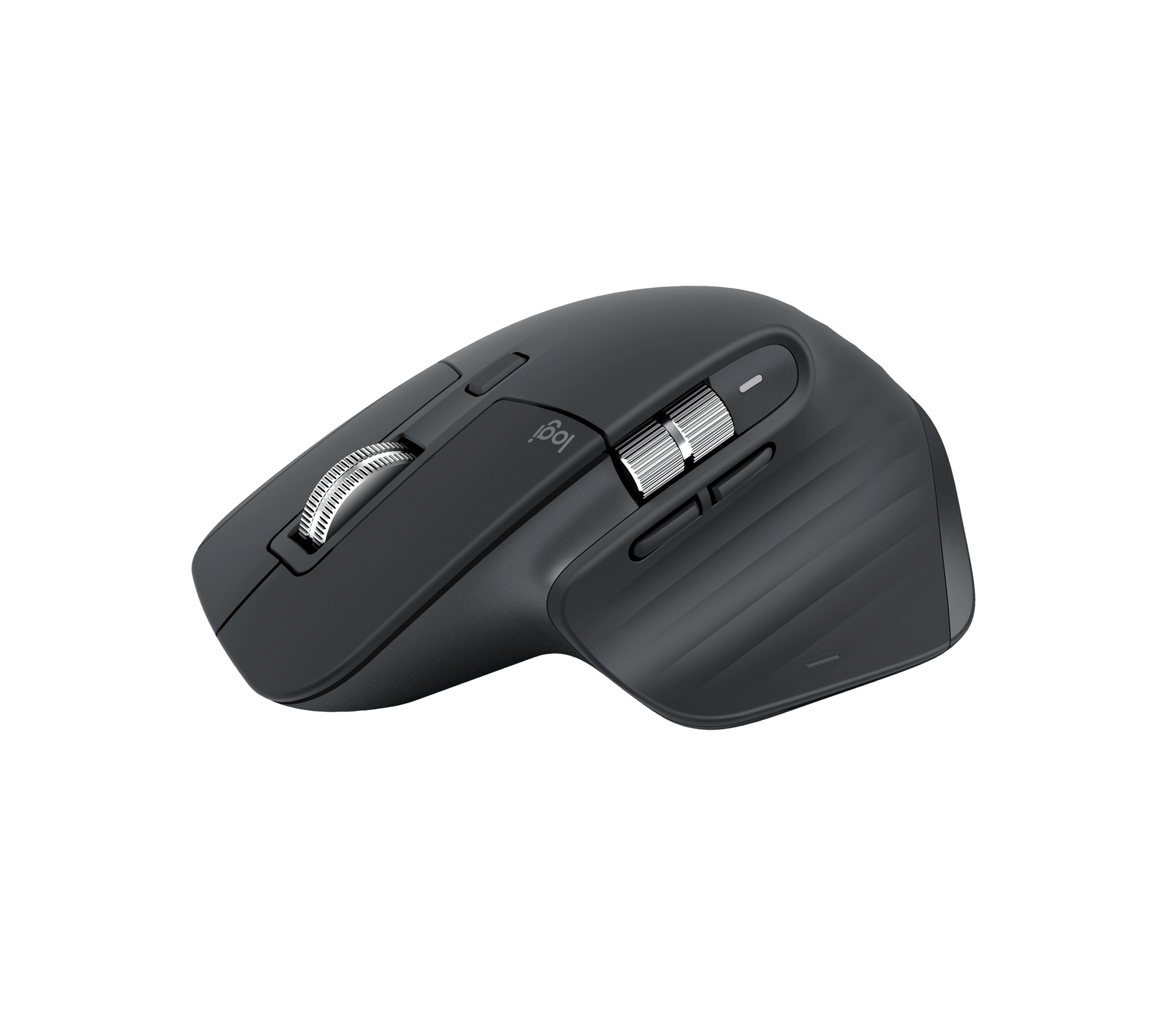
A work mouse is something you hold for hours. Begin with the shape and the tasks you repeat, then decide which controls and power system deserve a place in your setup.
Think about where it will live
A mouse that stays on a desk can prioritize a substantial shape and extra controls. A mouse that travels with a laptop needs to fit the bag as well as the hand. The MX Master 3S is larger and heavier than the Pro Click Mini; those are differences to try, not a universal ranking.
Follow your scrolling habits
If you work across wide spreadsheets or timelines, look at horizontal scrolling. Logitech provides a dedicated thumb wheel; Razer offers tilt scrolling on the main wheel. Consider which motion feels natural and check how it behaves in the applications you use.
Choose a power routine
The MX Master 3S recharges through USB-C. The Pro Click Mini uses one or two AA cells, which you replace or charge separately. Think about whether you would rather keep a cable at the desk or carry spare batteries. Their battery claims use different units and conditions, so do not read them as a direct endurance contest.
Check the computer and the box
Connection compatibility and advanced customization are separate questions. Verify your operating system and any required software. Logitech also sells different MX Master 3S bundles, so check whether the exact listing includes a receiver or cable instead of assuming accessories from another edition.
Before you buy
- The size and shape suit my hand and work space.
- The scrolling controls match my actual tasks.
- I have checked the operating system, battery type, and box contents.
This is research-based buying advice. The reviews below include manufacturer sources, version notes and image credits.
